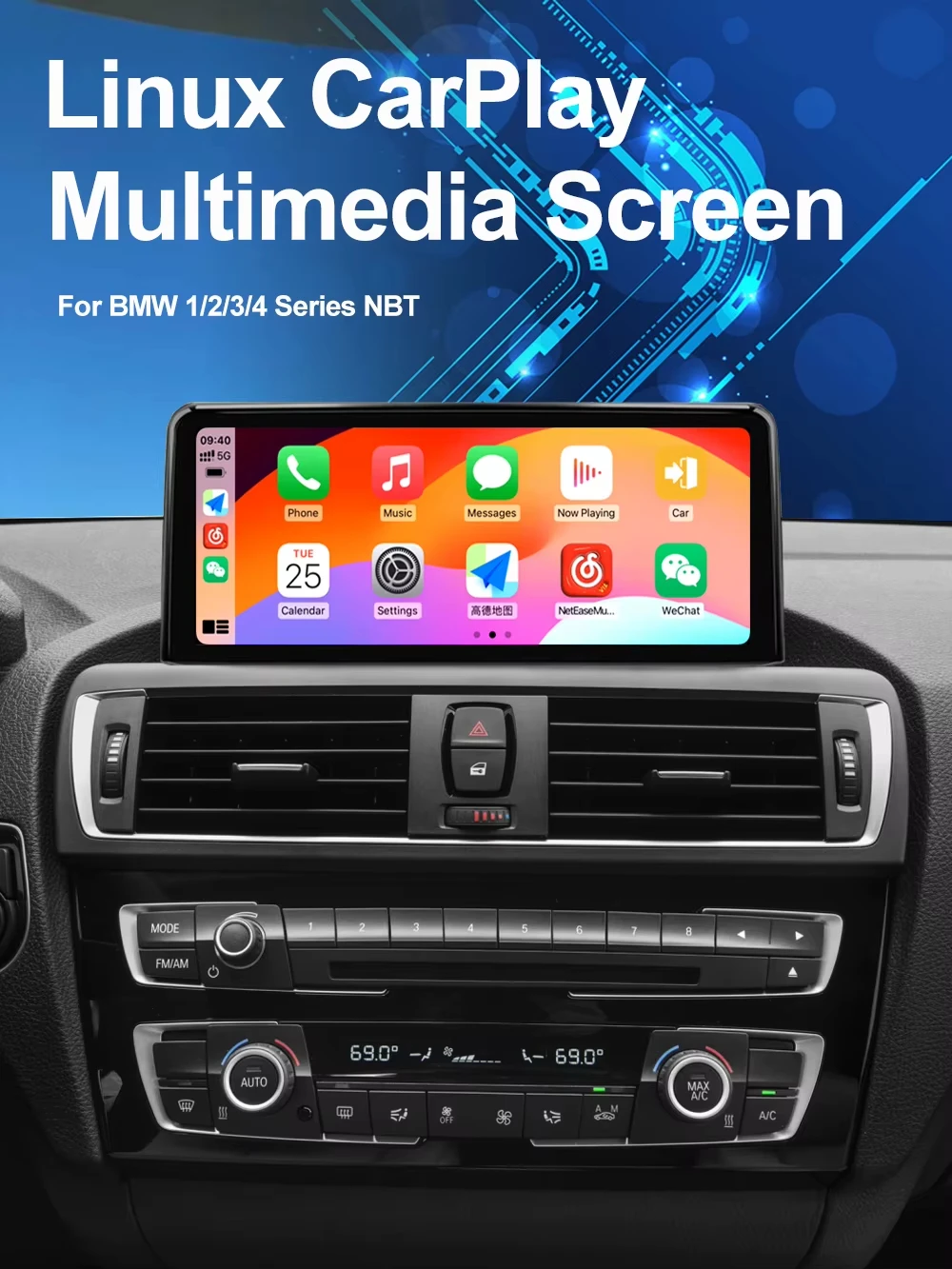
AUTOTOP 10.25”1920*720 Wireless Carplay Android Auto Car multimedia player for F20 F21 F22 F30 F31 F32 F33 F34 F36 NBT 2013-2017


AUTOTOP 10.25”1920*720 Wireless Carplay Android Auto Car multimedia player for F20 F21 F22 F30 F31 F32 F33 F34 F36 NBT 2013-2017
SPECIFICATIONS
Accessory Type: Power cable,USB Cable,AUX cable
Brand Name: AUTOTOP
Built-in CD player: No
Built-in DVD Player: No
Built-in Screen: Yes
Category: In-Dash
Certification: CE,FCC,weee
Chipset: T1633
Digital Media Format: Mp3,MP4,WMA,JPEG
Din: Double Din
Display Size: 10.25
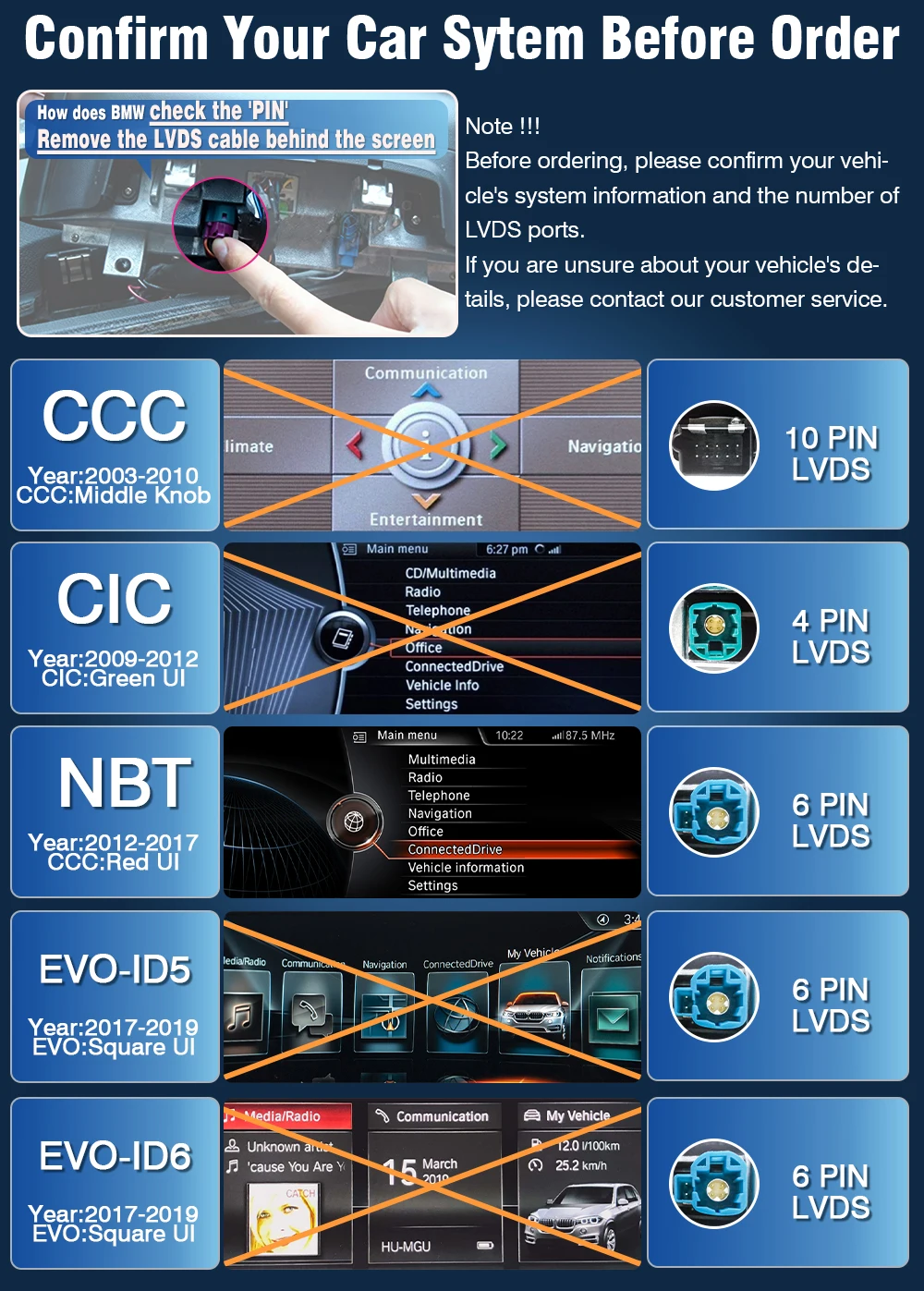
Doesn't support the system menu: CCC,CIC,EVO
For Vehicle Brands/Model: BMW
High-concerned chemical: None
Interface: ISO
Is touch screen: Yes
Max External Memory: 32G
OSD Language: Chinese (Simplified),Chinese (Traditional),Arabic,Polish,German,Russian,French,Korean,Dutch,Portuguese,Japanese,THAI,Spanish,Italian,English
Operating System: Linux
Origin: Mainland China
Out Power: 4*45W
Output Type: Colored
Preset Station: Yes
Processor Type: Allwinner
Product Warranty Period: One year (excluding damage caused by human error)
RAM: 1g
Resolution: 1920*720
Shipping Channels: We have multiple shipping warehouses around the world, providing local delivery services with the fastest delivery time of 24 hours.
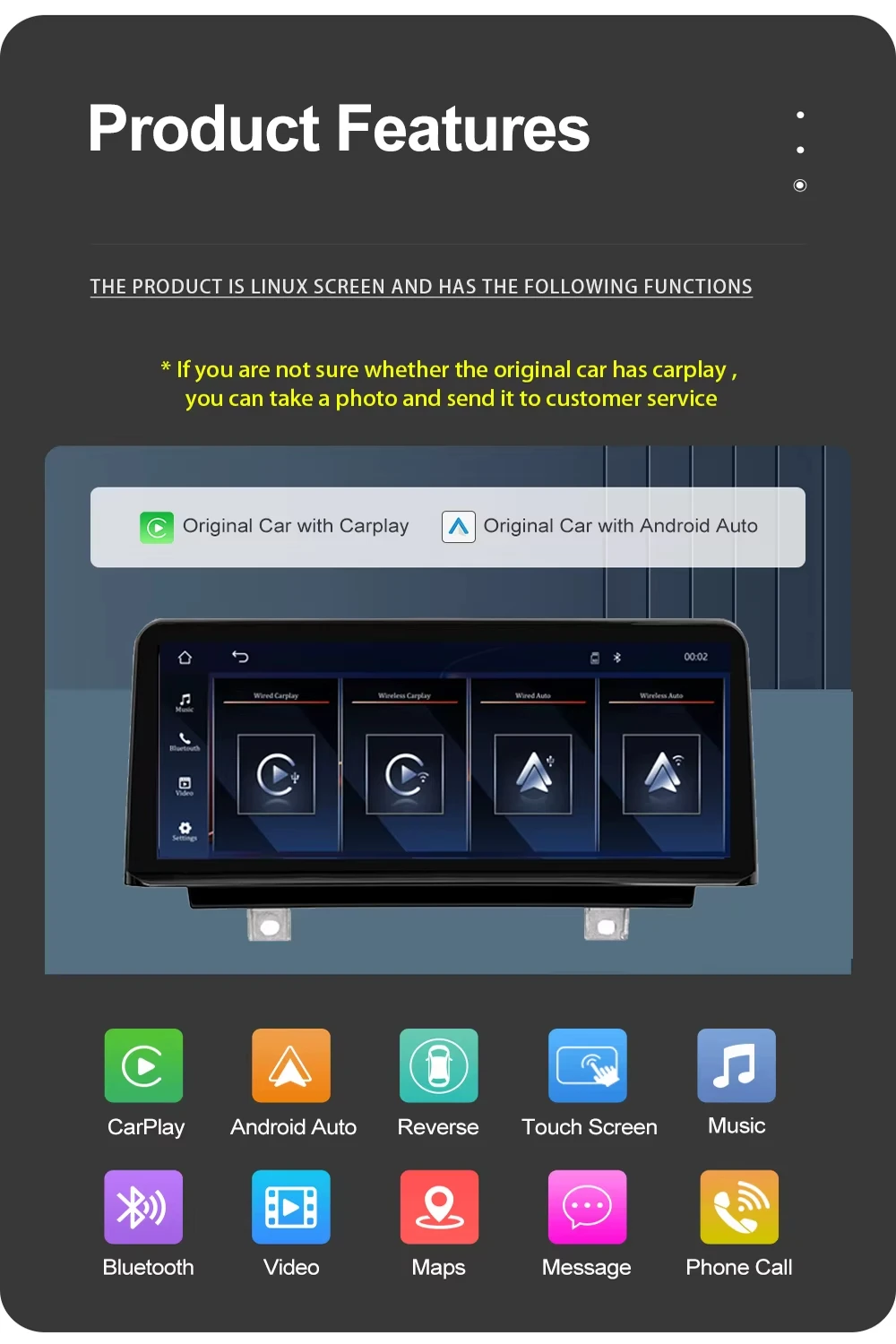
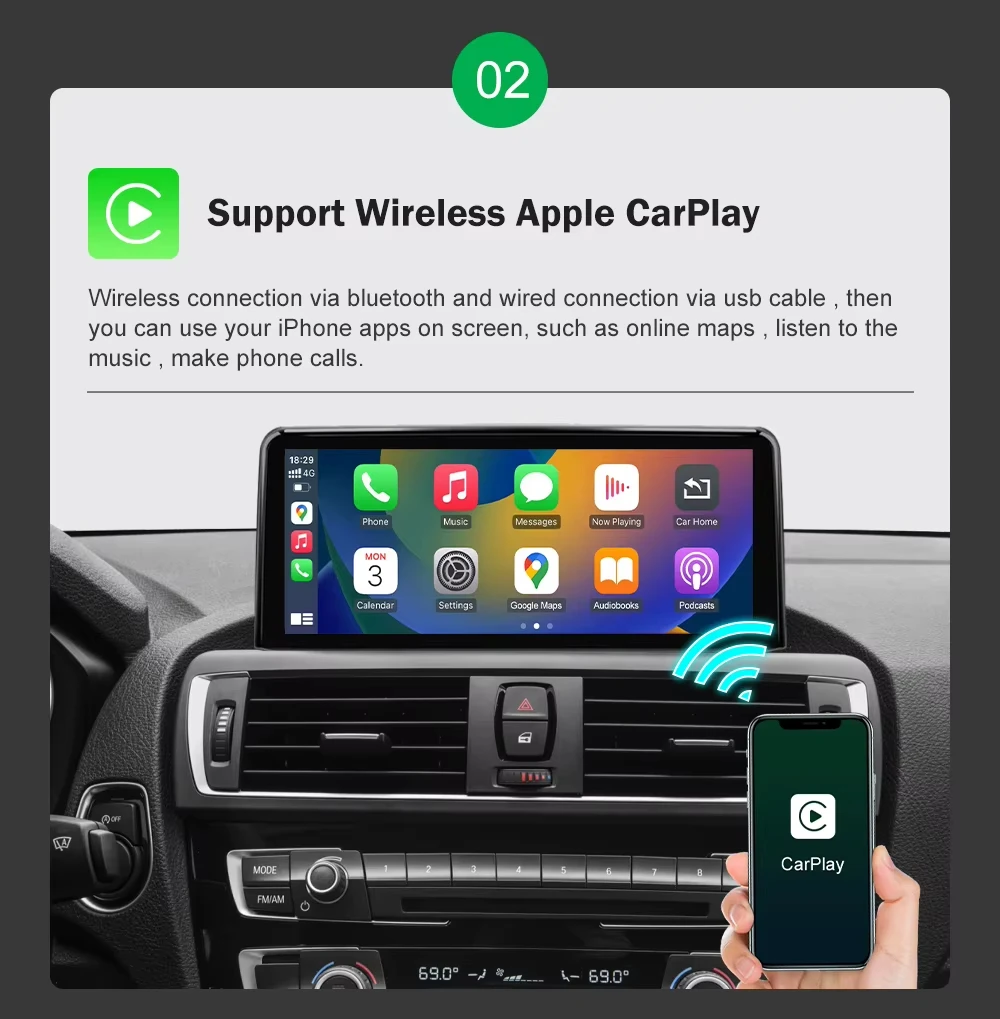
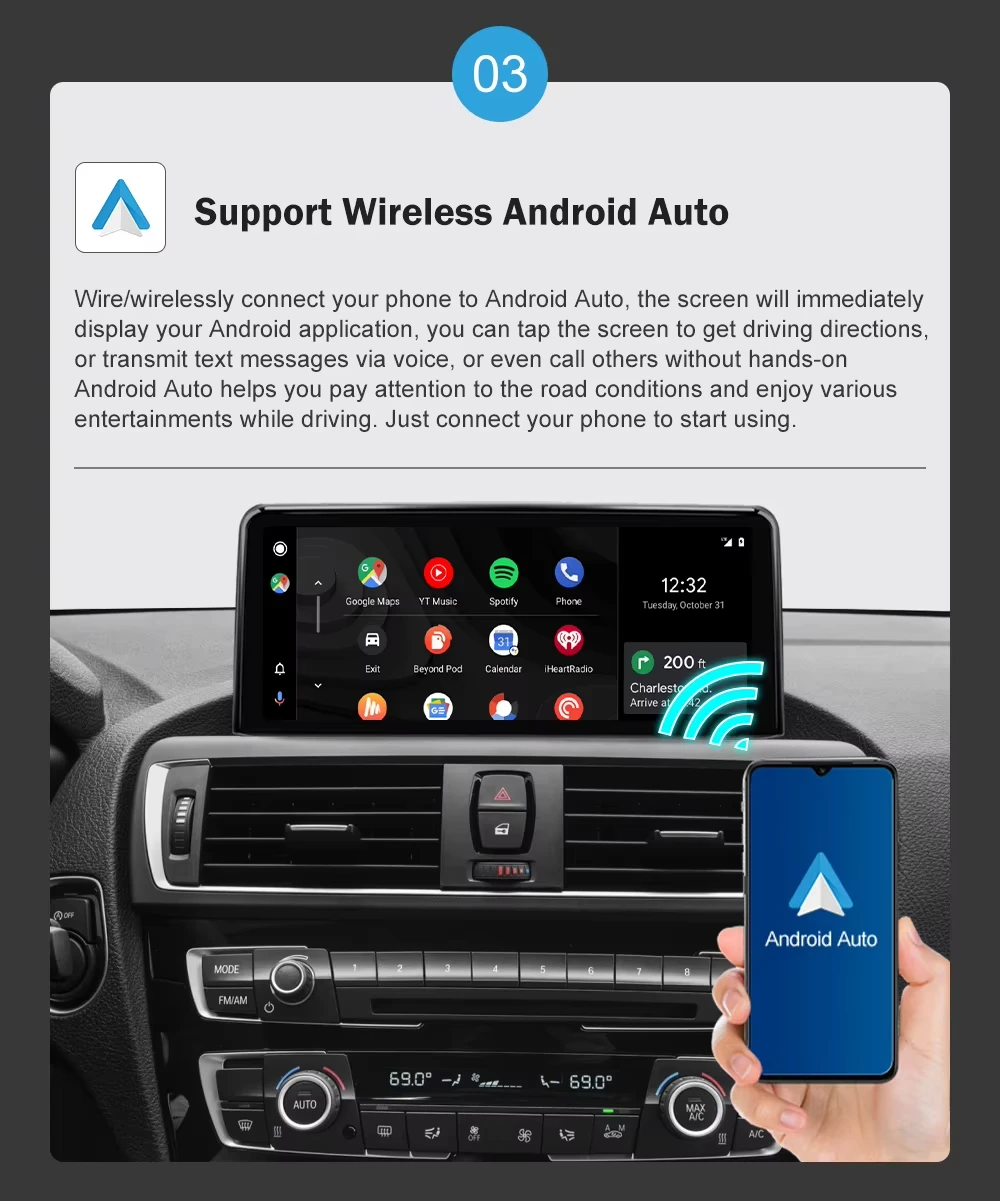
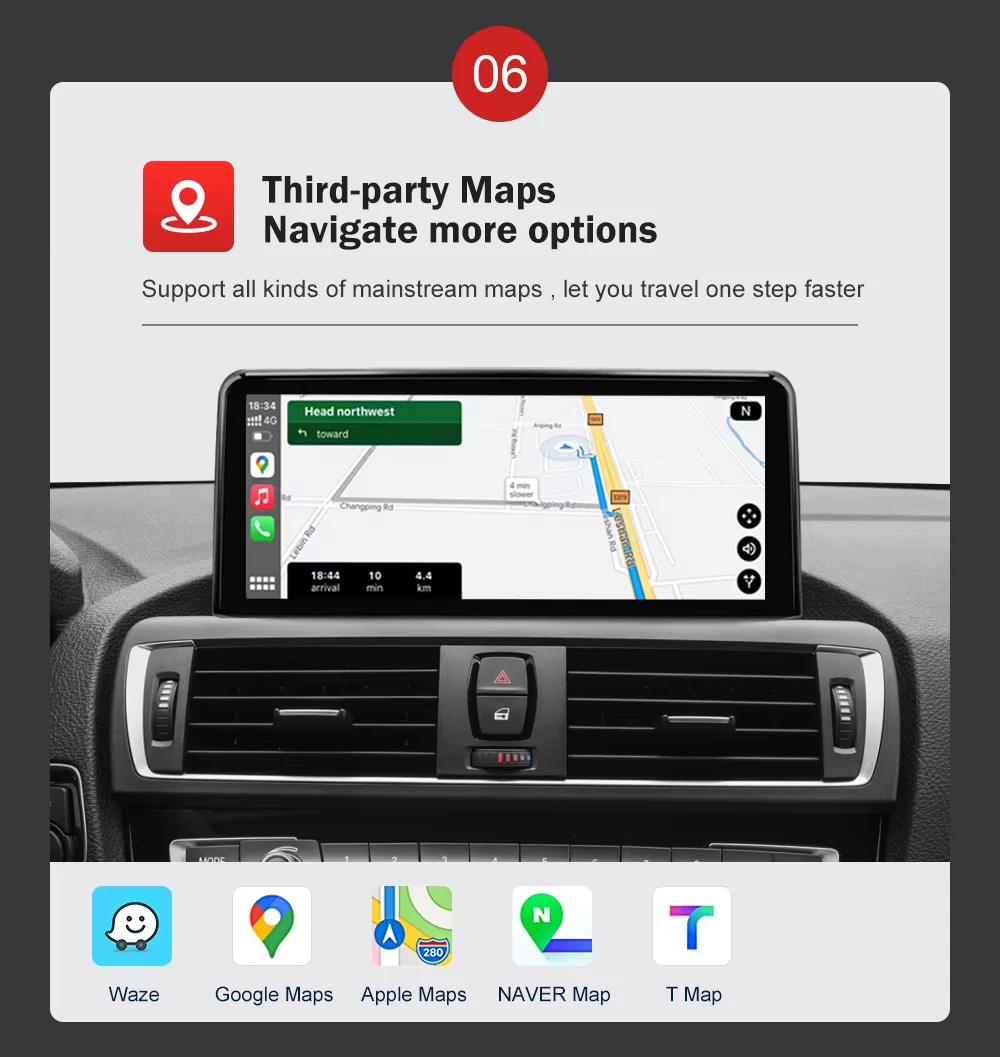
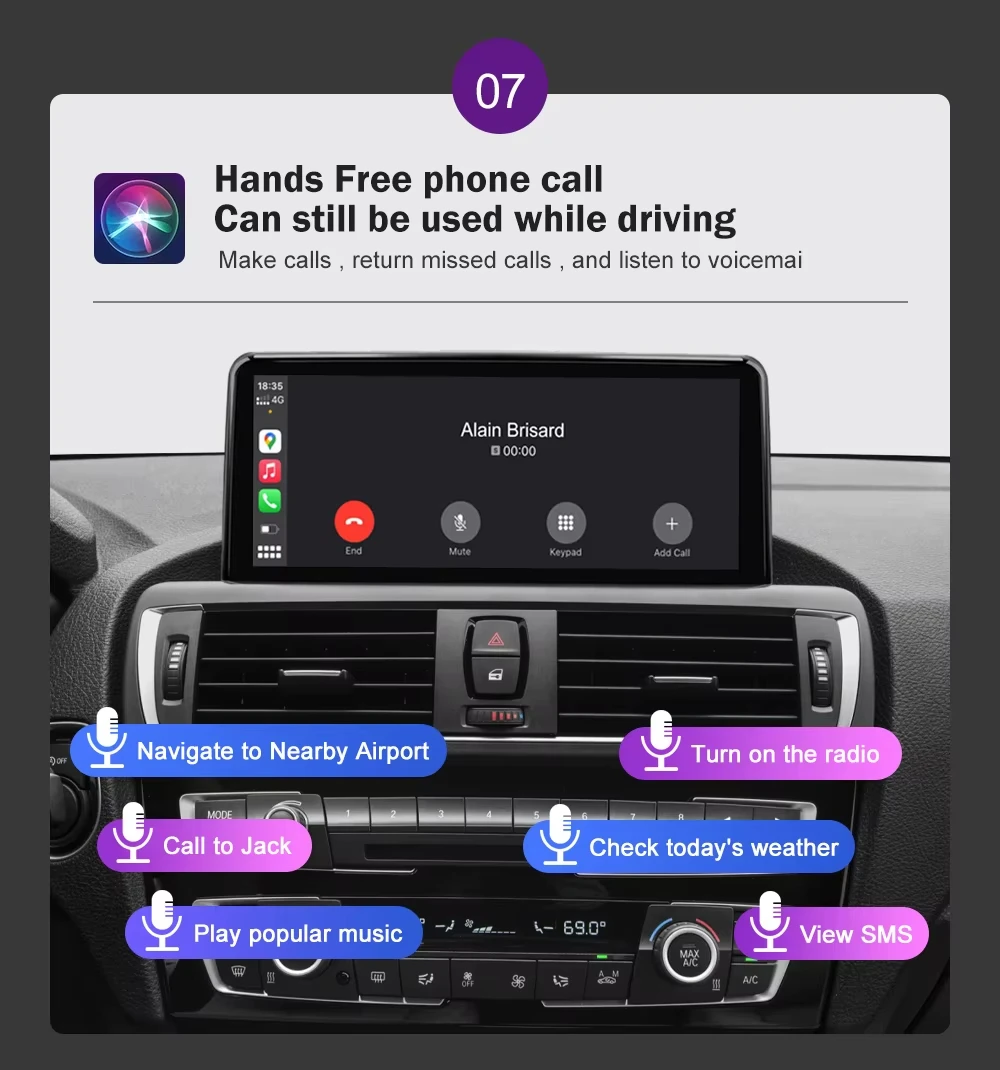
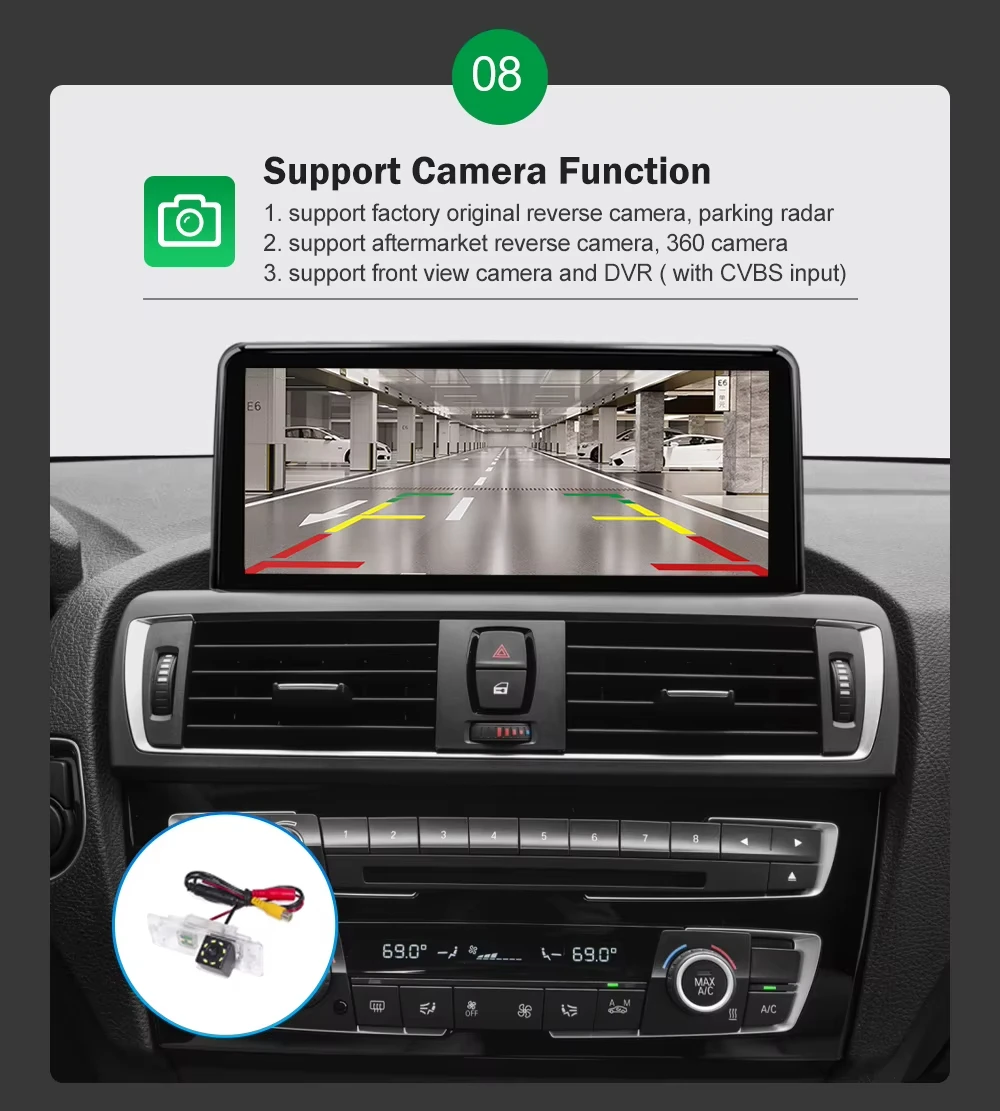
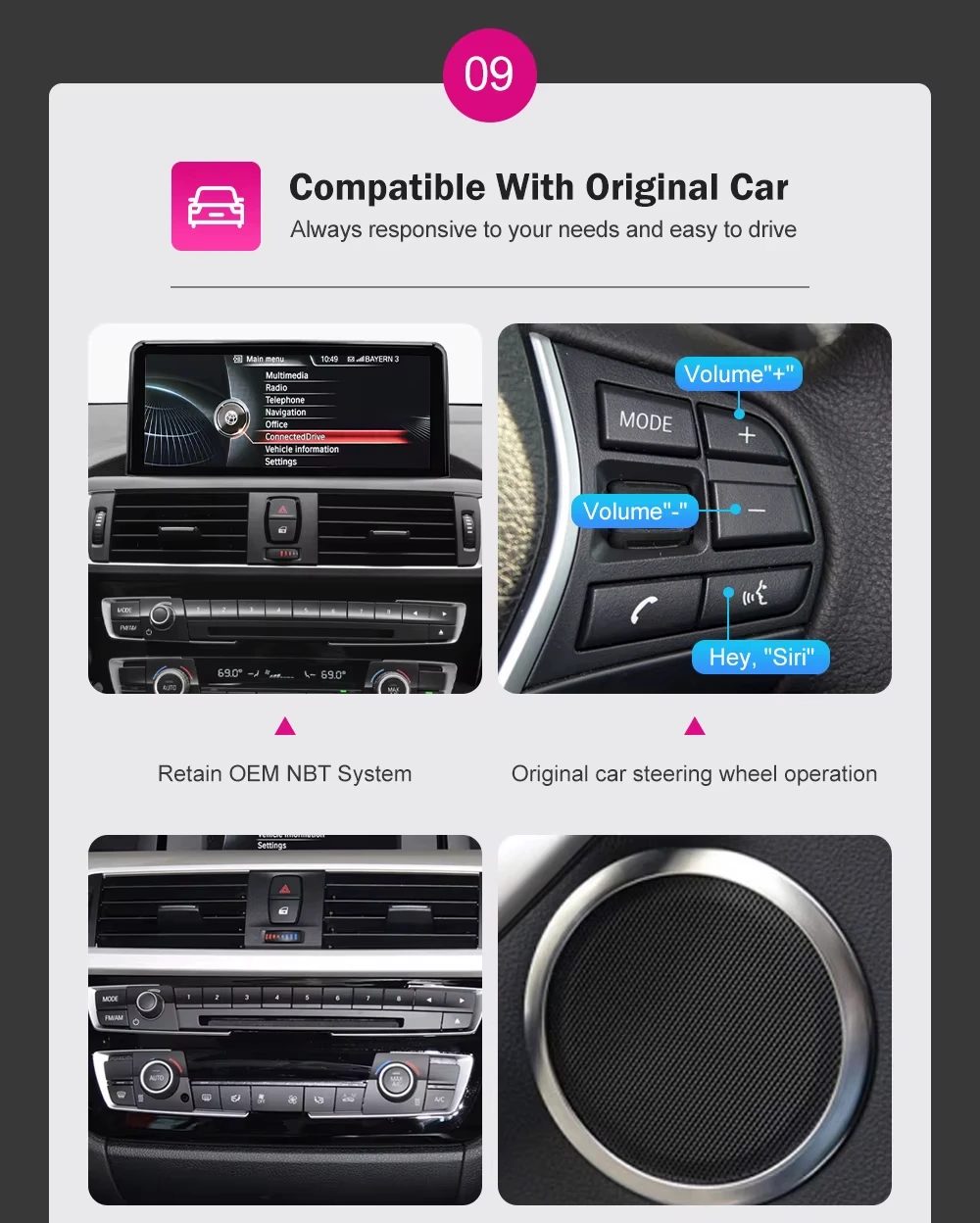
Special Features: Built-In Speaker/Microphone,wifi function,Support steering wheel control,Built-in GPS,Mobile Phone,MP3 players,dsp,CarPlay,android auto,Reversing Input
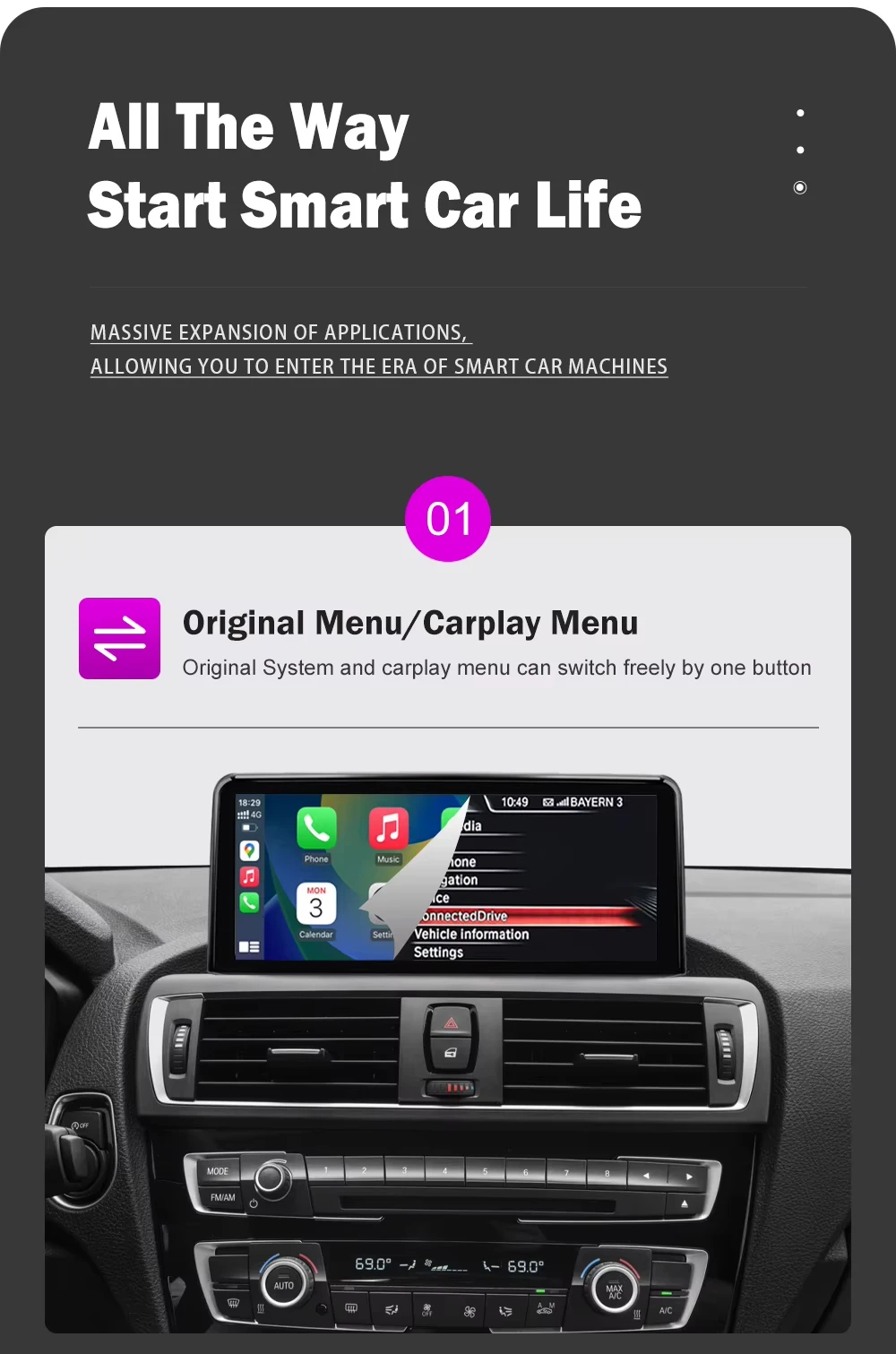
Support the original system menu: NBT
System advantages: There are no unnecessary or complicated applications, and booting up can be completed in 5 seconds.
TF/Micro SD Slot: 0
Tuner Type: Electricial Tuner
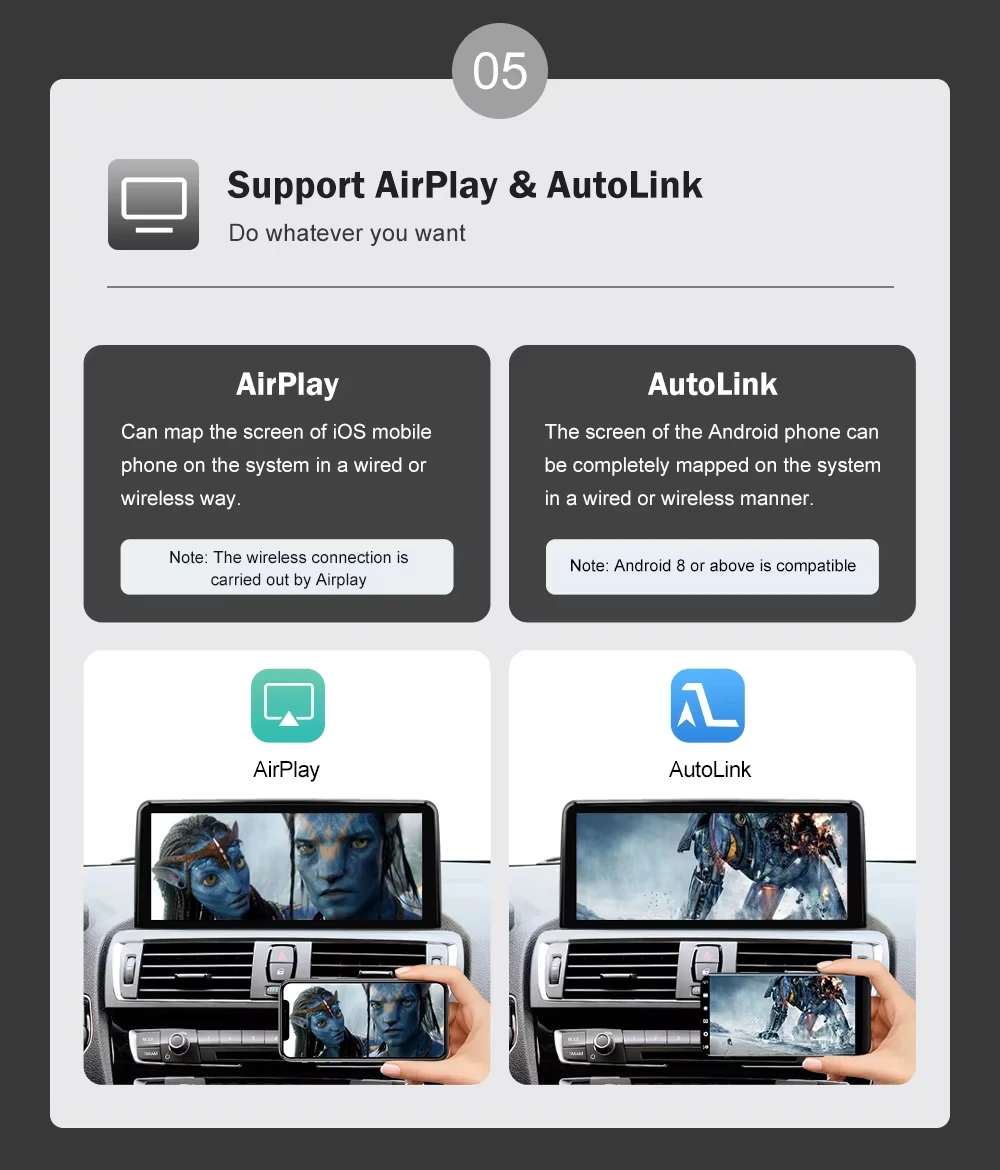
Upgrade the New Function: Wireless Apple Carplay and Android Auto,Airplay Android mirroring
Voltage: 12 V
Warranty: 12 Months
Warming: The car multimedia player touchscreen does not support BMW EVO system !!!
If your car is BMW 2 series F20,you purchased BMW 3 series F30 car multimedia player touchscreen,so it is not compatible with your vehicle models.
Note: It distinguishes between left and right driving and only supports the NBT system.
For BMW 1 Series F20 2010-2015, 5 doors, 114d,114i,116d,116d ed,116i,118d,118dX,118i,120d,120dX,125d,125i,M135i,M135iX.
For BMW 1 Series F20 LCI 2014-2019,5 doors,114d,116d,116d ed,116i,118d,118dX,118i,120d,120dX,120i,125d,125i,M135i,M135iX,M140i,M140iX
For BMW 1 Series F21 2010-2015,3 doors,114d,114i,116d,116d ed,116j,118d,118dX,118i,120d,120dX,125d,125i,M135i,M135iX.
For BMW 1 Series F21 LCI 2014-2019,114d,116d,116d ed,116i,118d,118dX,118i,120d,120dX,120i,125d,125i,M135i,M135iX,M140i,M140iX.
For BMW 2 Series F22 2012-2017,Coupe,218d,218i,220d,220dX,220i,225d,228i,228iX,230i,230iX,M235i,M235iX,M240i,M240iX.
For BMW 2 Series F22 LCI 2016-2021,Coupe,218d,218i,220d,220dX,220i,225d,230i,230iX,M240i,M240iX
For BMW 2 Series F23 2014-2017 Convertible,218d,218i,220d,220i,225d,228i,228iX,230i,230iX,M235i,M235iX,M240i,M240iX.
For BMW 2 Series F23 LCI 2016-2021 Convertible, 218d,218i,220d,220i,225d,230i,230iX,M240i,M240iX.
Note: It support left and right driving, and only supports the NBT system.
For BMW 3 Series F30 2011-2016 Sedan,316d,316i,318d,318dX,320d,320d ed,320dX,320i,320i ed,320iX,325d,328d,328dX,328i,328iX,330d,330dX,335dX,335i,335iX.
For BMW 3 Series F30 LCI 2014-2019 Sedan,316d,316i,318d,318dX,318i,320d,320d ed,320dx,320i,320i ed,320iX,325d,328d,328dX,328i,328iX,330d,330dX,330e,330i,330iX,335dX,340i,340iX.
For BMW 3 Series F34 GT 2012-2016 Gran Turismo,318d,320d,320dX,320i,320iX,325d,328i,328iX,330d,330dX,335dX,335i,335iX.
For BMW 3 Series F34 GT LCI 2015-2021 Gran Turismo,318d,320d,320dX,320i,320iX,325d,330d,330dX,330i,330iX,335dX,340i,340iX.
For BMW 4 Series F32 2012-2017 Coupe ,418d,418i,420d,420dX,420i,420iX,425d,428i,428iX,430d,430dX,430i,430iX,435dX,435i
For BMW 4 Series F32 LCI 2016-2020 Coupe ,418d,418i,420d,420dX,420i,420iX,425d,430d,430dX,430i,430iX,435dX,440i,440iX.
For BMW 4 Series F33 2013-2017 Convertible,420d,420i,425d,428i,428iX,430d,430i,430iX,435dX,435i,435iX,440i,440iX.
For BMW 4 Series F33 LCI 2016-2020 Convertible,420d,420i,425d,430d,430i,430iX,435dX,440i,440iX.
For BMW 4 Series F36 2013-2017 Gran Coupé,418d,418i,420d,420dX,420i,420iX,425d,428i,428iX,430d,430dX,430i,430iX,435dX,435i,435iX,440i,440iX.
For BMW 4 Series F36 LCI 2016-2021 Gran Coupé ,418d,418i,420d,420dX,420i,420iX,425d,430d,430dX,430i,430iX,435dX,440i,440iX.
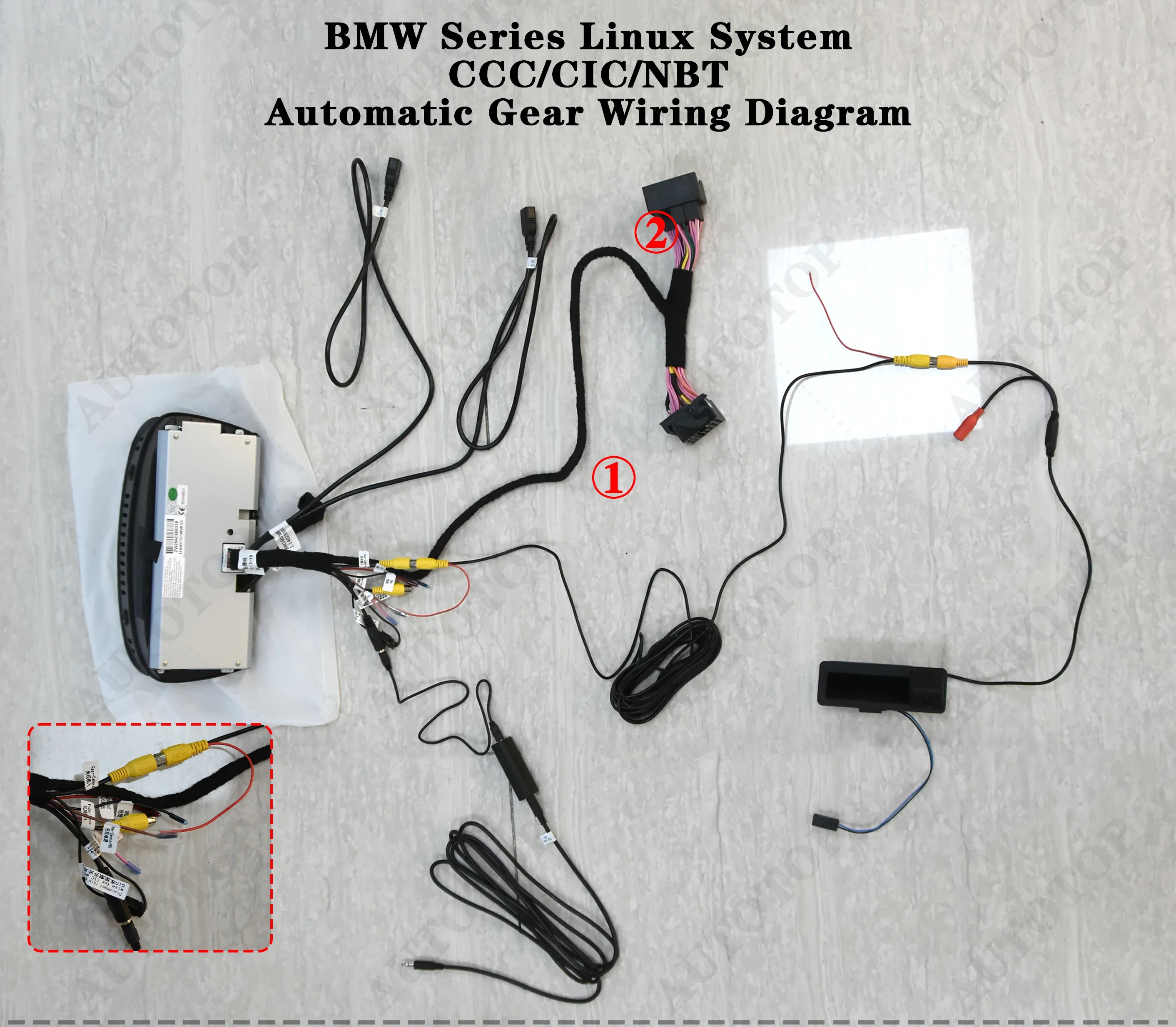
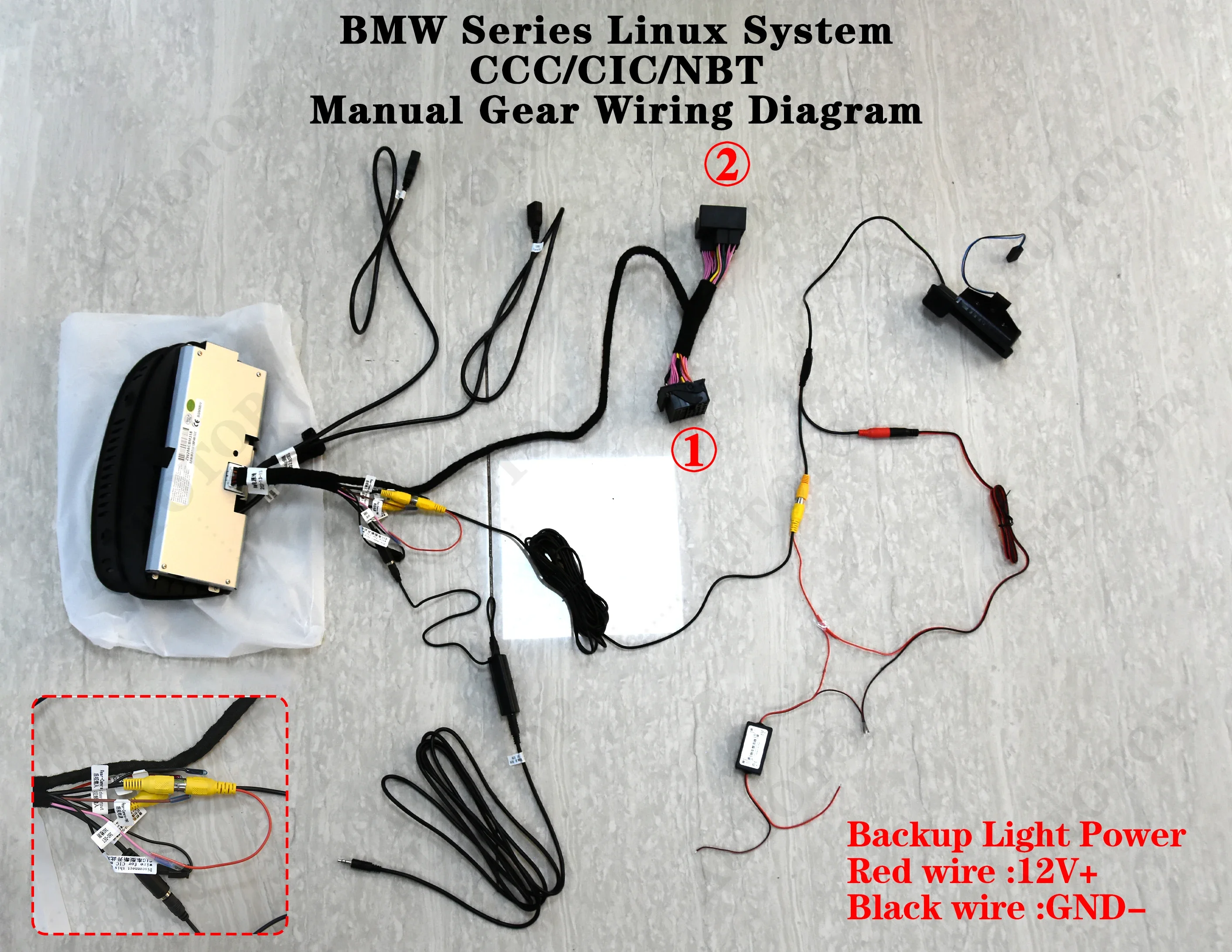

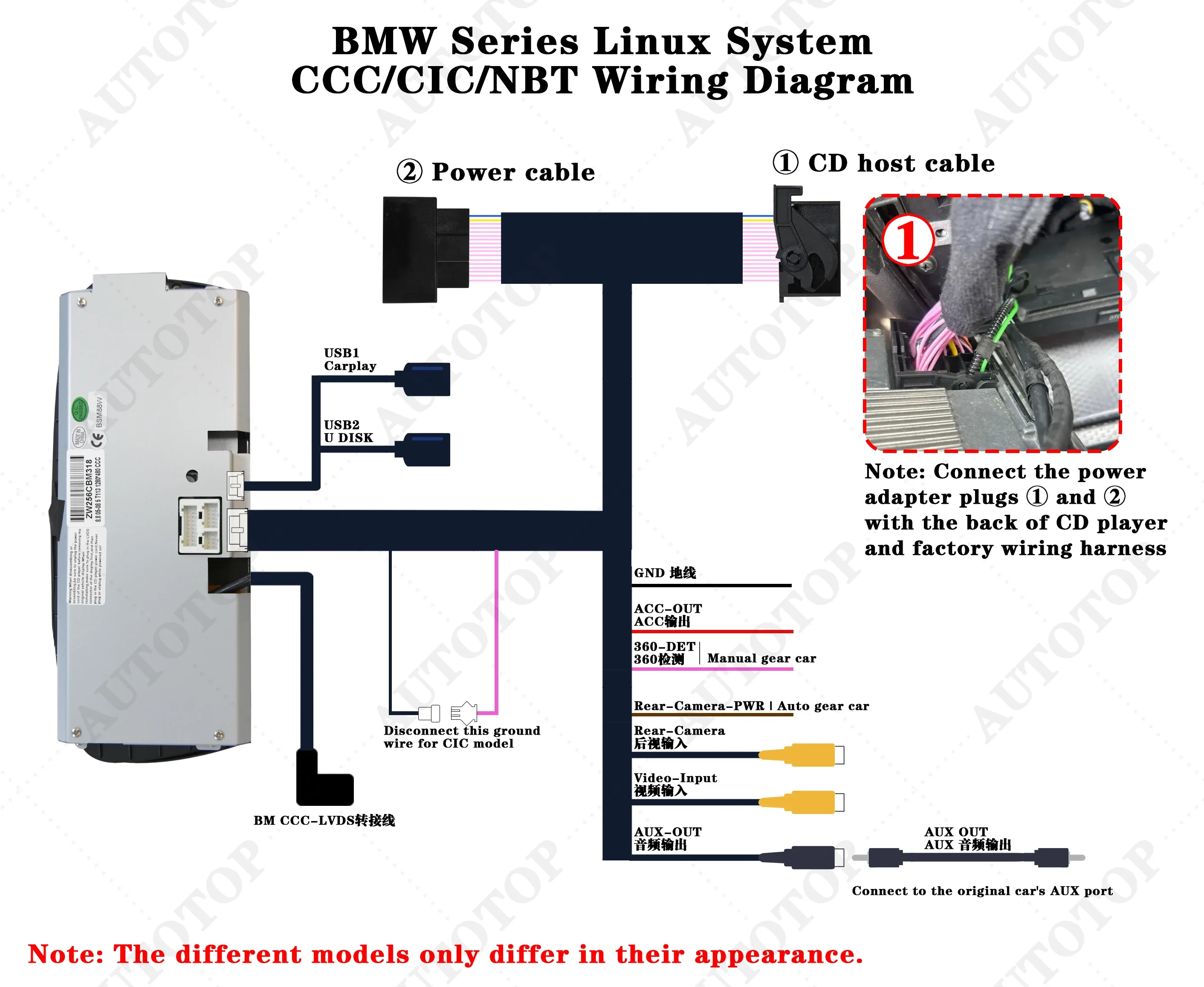
How do I set the basic parameters after installation?
I. You also need to make sure the original optic fiber cable(Green cable) is connected to our power cable,like the below photo.
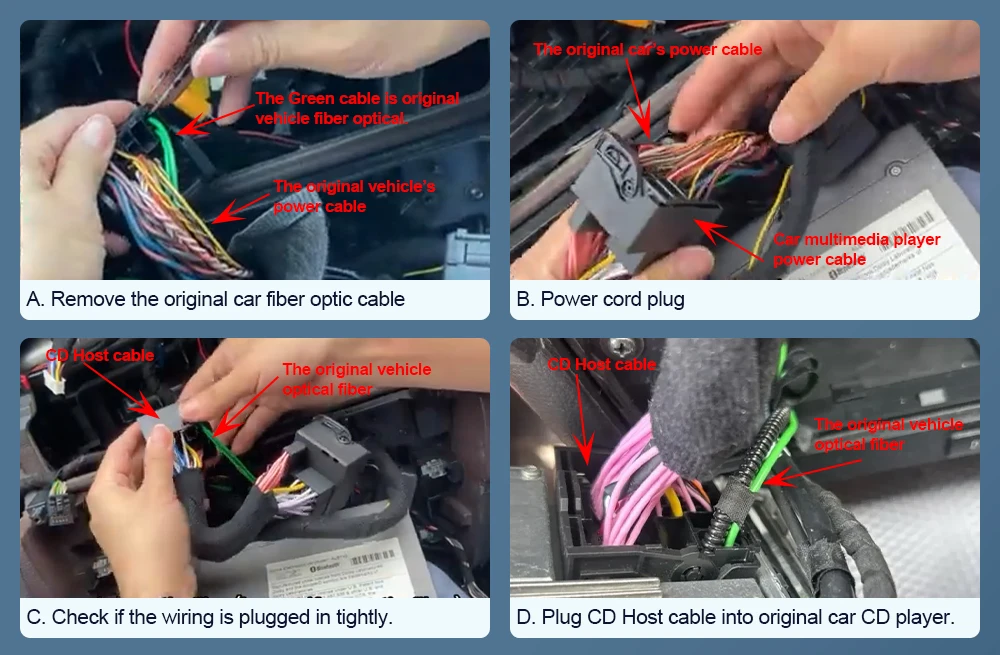
II. If the following situations occur, it's not due to screen damage; you simply need to adjust the screen resolution settings.
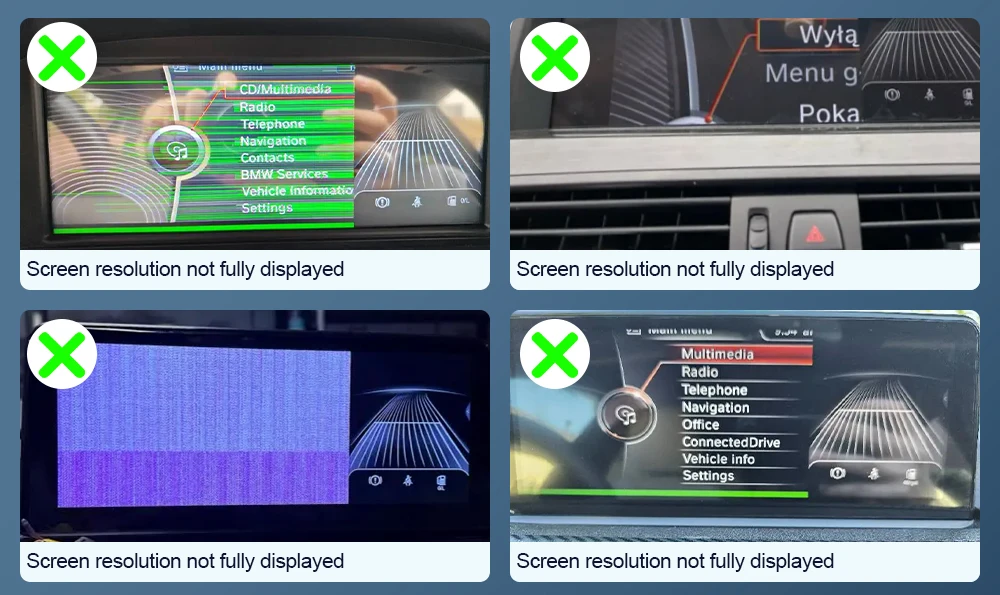 III. Steps for setting screen resolution:
A. Choose the setting option.
B. Choose system - Factory
C. The factory password is 8866.
D. Select the original car's models and screen size
E. Select the correct resolution one by one,Continue until the original vehicle system menu displays correctly.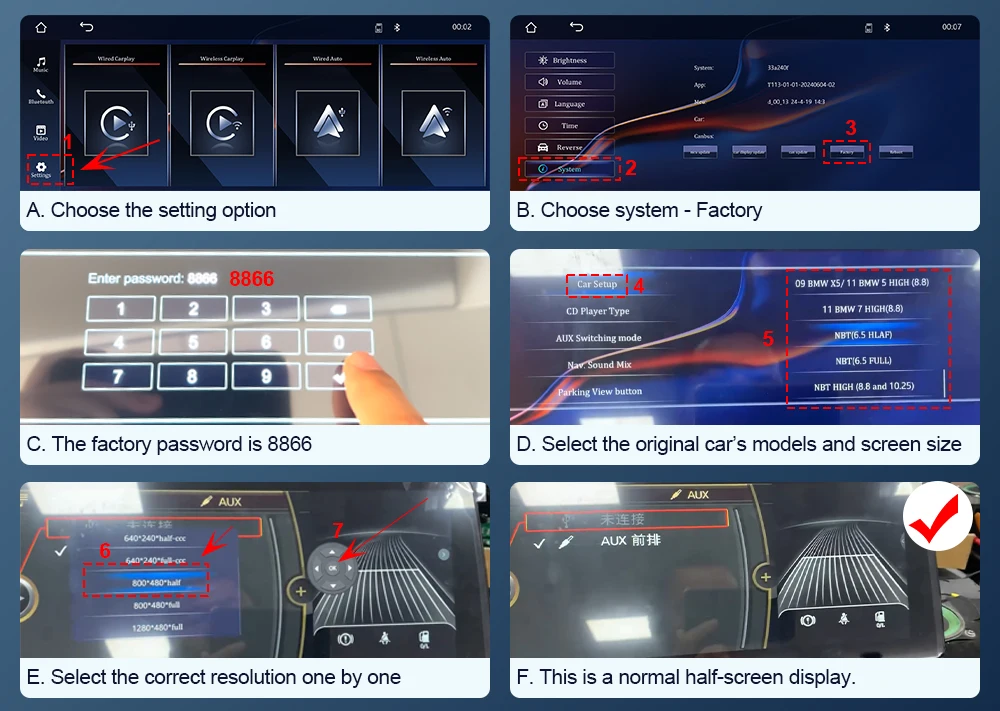 IV. Questions: In the CarPlay system, if you find there is no sound when playing music, you can first check whether you are using a Bluetooth connection.
Solution:
A. Choose the setting option.
B. Choose the system -- Factory
C. Enter 8866 in the factory.
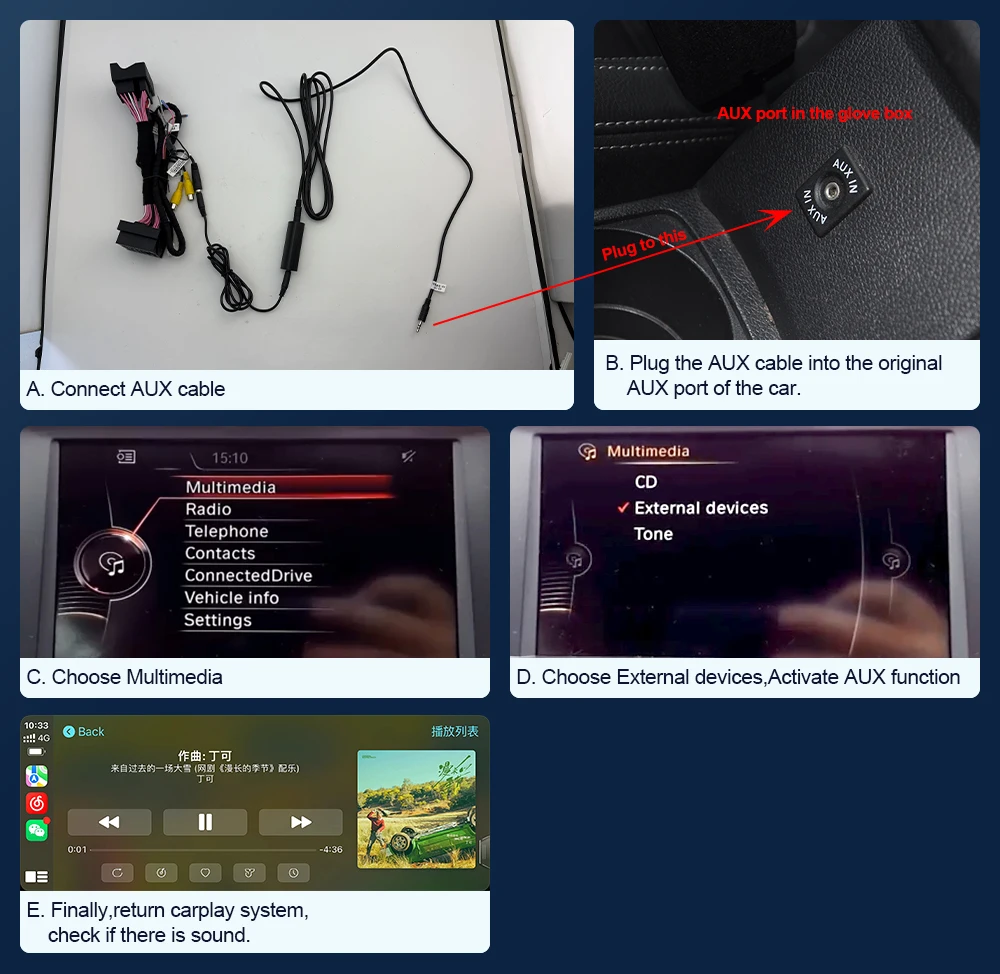
D. Find out CP/AA voice-grade channel -- Car.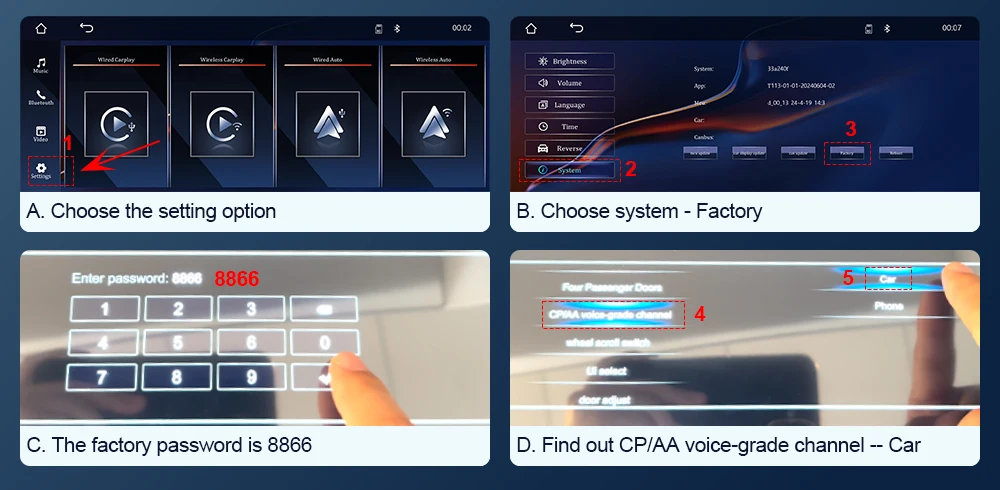 V. If you find that you have successfully connected via Bluetooth, but there is still no sound in the CarPlay system, you will need to purchase an AUX cable locally. The method for activating the AUX settings is the same for both CIC and NBT systems.
A. Connect AUX cable
B. Plug the AUX cable into the original AUX interface in the glove box.
C. Choose Multimedia.
D. Choose External devices,Activate AUX functionChoose the AUX front.
E. Finally,return carplay system,check if there is sound.
F. If there's still no sound, try connecting the AUX cable to your phone's AUX port to test whether the phone produces sound.
If you hear sound, the car's AUX port is functioning properly.
If there's no sound, the car's AUX port may be faulty and require repair.